

Digital Vehicle Inspections (DVIs) have moved from “nice to have” to “must-have” in any modern service workflow. A well-run DVI process helps you sell more work, improves efficiency, reduces callbacks, and builds customer trust. But to see those results, you need to go beyond just checking boxes and snapping a photo or two.
We’re breaking down how to make your DVI process a core part of your front-counter success.
Better Photos, Better Approvals
Photos are the backbone of a strong DVI, but not all photos are created equal. Poor lighting, blurry angles, or skipped steps don’t help the customer, and they don’t help your ARO either. Aim for at least 20–25 photos per inspection. Start with a full walkaround: four corners and windshield/glass to document the condition of the vehicle when it enters your bay. From there, capture anything safety-related, wear-related, or that ties to your service recommendations.
The goal here is clarity. The vast majority of your customers don’t speak in tread depth percentages or brake pad thickness. They want to see what’s worn, damaged, or leaking. Done right, the DVI makes the value of the repair obvious.
Upgrade Your Hardware, Not Just Your Software for Digital Vehicle Inspections
One of the most common bottlenecks in the DVI process is outdated hardware. If your techs are using tablets from a decade ago, you’re creating friction where you should be creating speed. Slow uploads and poor image quality both waste time and compromise the customer’s experience.
Use devices with up-to-date operating systems, sharp cameras, and responsive performance.
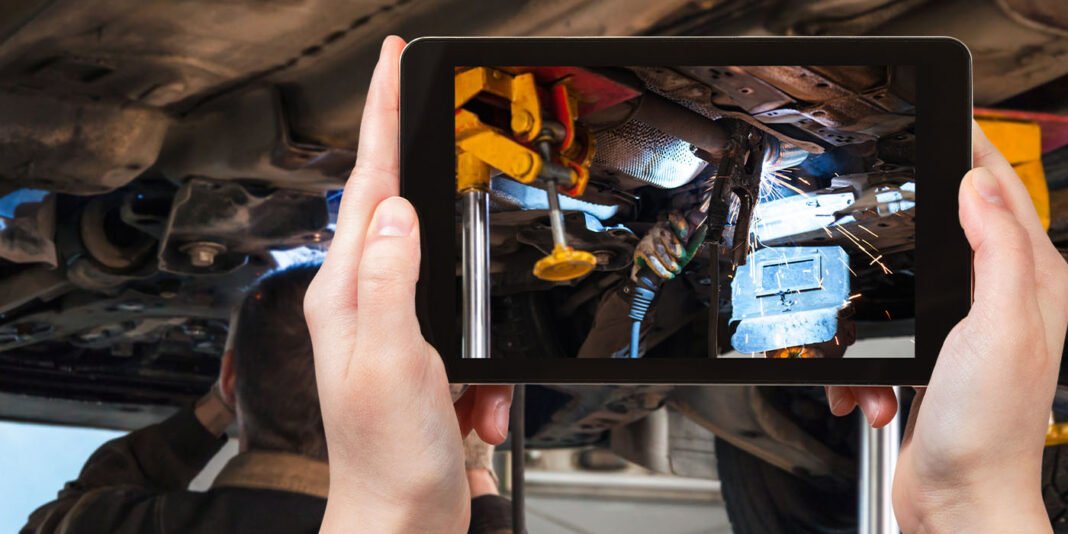
Pro Tip: Shops using full-sized tablets often get better results simply because the viewfinder helps techs frame better shots. Fast Wi-Fi and modern software go a long way, but if your hardware can’t keep up, the rest won’t matter.
Incorporate Video the Smart Way
In some cases, short videos can be even more effective than still photos, especially for issues like undercar exhaust damage, leaks, or unusual noises. Most DVI platforms allow you to take quick 15–20 second clips. A quick video scan of a worn suspension component or a walk-through of a trouble area can make the issue click in the customer’s mind.
For more complex issues, you can also supplement your DVI platform with a dedicated shop phone. Record a more detailed video and text it directly to the customer. It’s a simple step that often leads to faster approvals and fewer questions at the counter.
Use Digital Vehicle Inspections to Boost Marketing (Not Just Sales)
Most shops treat DVIs as a one-customer, one-visit tool. But they can do more than you might give them credit for. The images and videos your team captures belong to you, and with the right tools, you can reuse them to feed your marketing machine. Inspections already tag photos with location and timestamp data. Uploading these to your shop’s Google Business Profile or website blog can increase visibility and drive organic SEO growth without writing a single word.
If your team is capturing dozens of photos a day, you already have a growing content library. Don’t let it sit idle in your shop management system – use it to show what you do and where you do it.
Pro Tip: Google rewards businesses that post frequent, relevant content. So, don’t think of it as just documenting the work – you’re promoting it, too.
Digital Vehicle Inspections aren’t about adding work – they’re about removing friction from every step of the repair process. For the customer, it builds confidence. For your team, it builds efficiency. And for you, it builds the kind of transparency that keeps people coming back.
This content is brought to you by The Group.

